





With many controller types available, buyers often feel confused about compatibility, comfort, and performance. This buying guide explains what to check before purchasing a game controller so you can make the right choice.
Why Choosing the Right Game Controller Matters
A game controller directly affects how you play and enjoy games. A poor controller can cause hand fatigue, delayed response, or connection issues. The right controller improves control, comfort, and overall gaming experience.
1. Check Device Compatibility First
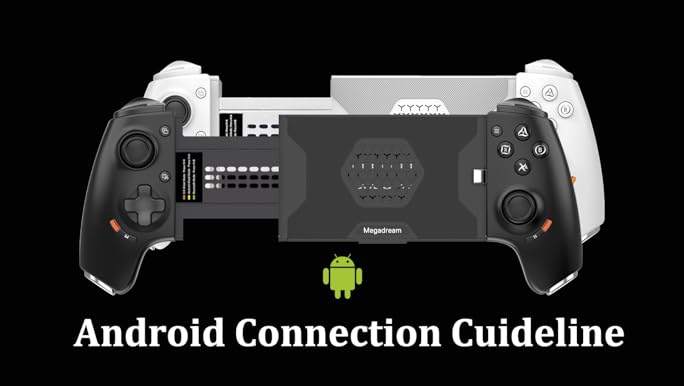

Not all controllers work with every device.
Before buying, check:
- Whether it supports PC, console, or mobile
- Wired or wireless connection support
- Operating system compatibility
Always match the controller with the device you use most.
2. Wired vs Wireless Controllers
Both options have their own benefits.
Wired controllers:
- No battery worries
- Stable connection
- Suitable for long sessions
Wireless controllers:
- More freedom of movement
- Cleaner setup
- Portable and convenient
Choose based on how and where you play.
3. Comfort and Grip Quality

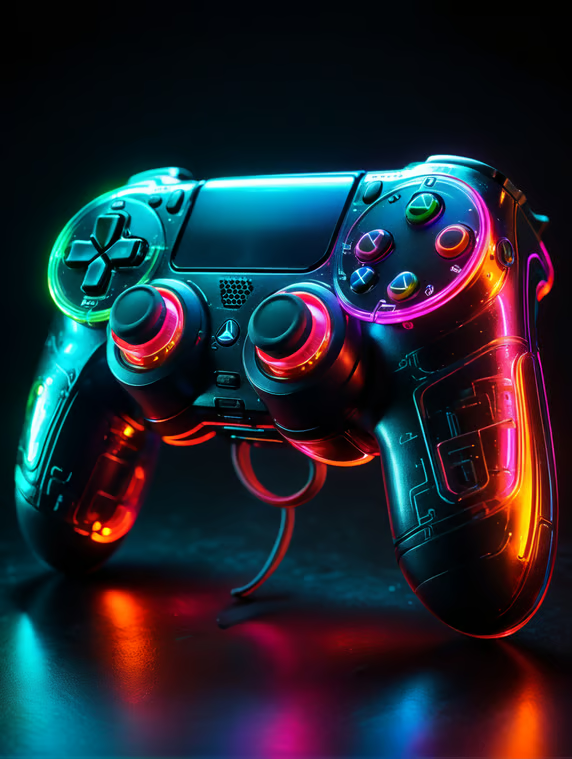
Comfort is very important, especially for long gaming hours.
What to look for:
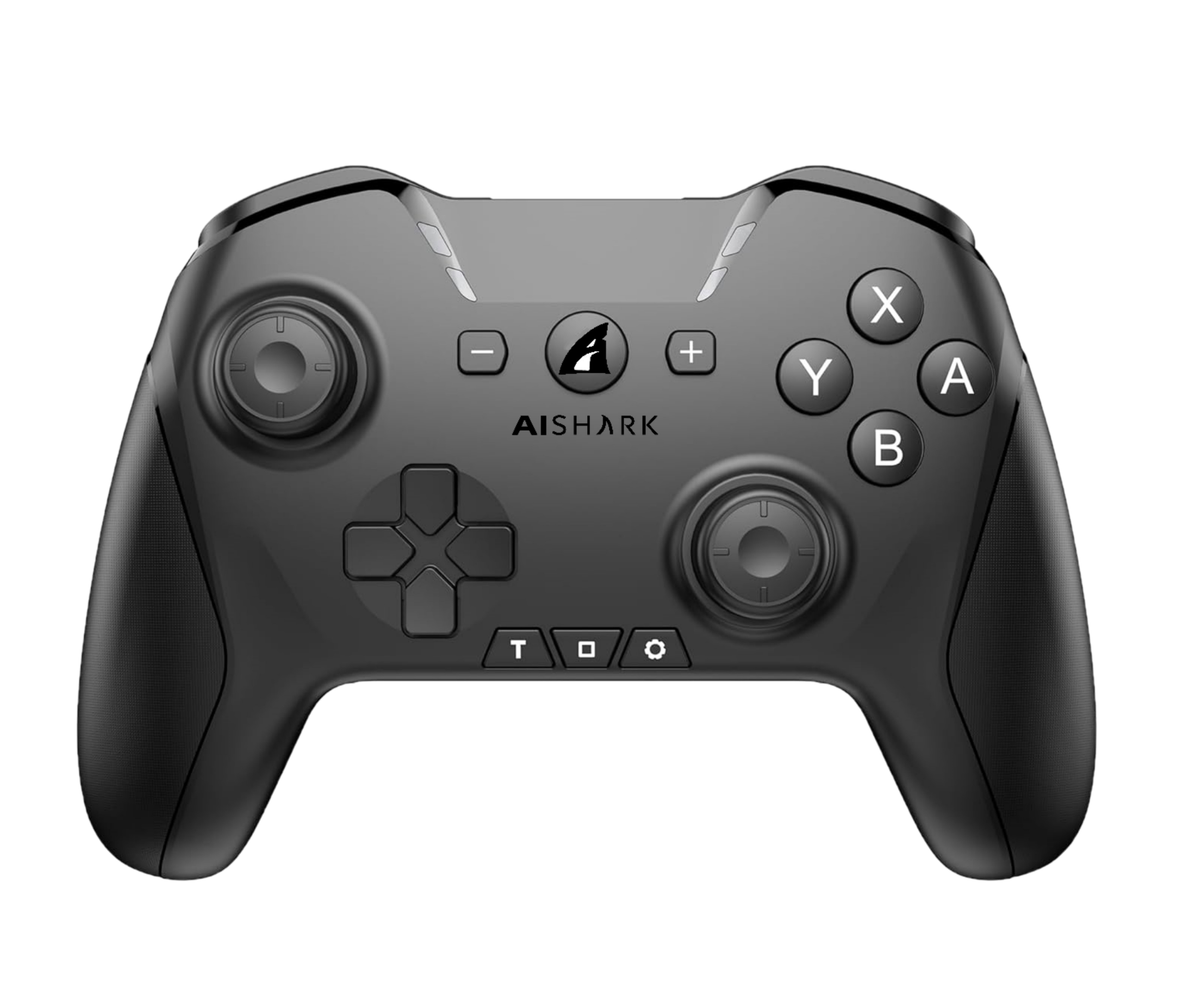
- Ergonomic shape
- Comfortable grip texture
- Proper button spacing
A comfortable controller reduces hand strain.
4. Button Layout and Responsiveness
Buttons should feel responsive and easy to press.
Check for:
- Smooth button movement
- Quick response time
- Well placed triggers and sticks
Good button quality improves gameplay accuracy.
5. Analog Sticks and Control Precision
Analog sticks are key for movement and aiming.
Buyer tips:
- Smooth rotation
- No stiffness or looseness
- Accurate control feedback
Poor analog sticks can ruin gaming performance.ces.
6. Battery Life for Wireless Controllers
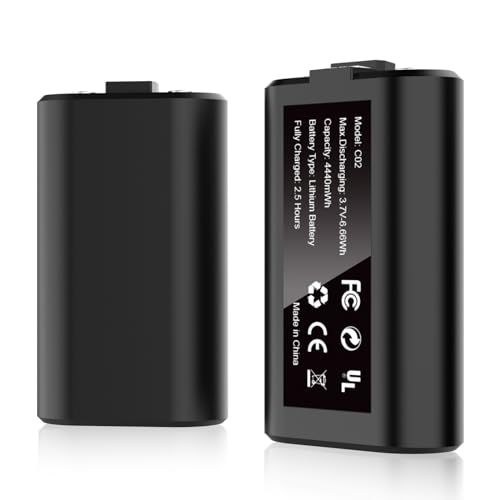
Battery life affects convenience.
What to consider:
- Hours of gameplay per charge
- Charging time
- Battery indicator availability
Long battery life means fewer interruptions.
7. Build Quality and Durability
Controllers are often used roughly during gaming.
Look for:
- Strong outer body
- Durable buttons
- Good trigger resistance
Strong build quality ensures longer use.
8. Extra Features and Customization
Some controllers offer extra features.
These may include:
- Programmable buttons
- Vibration feedback
- Adjustable sensitivity
Extra features are useful but not necessary for everyone.
9. Common Mistakes to Avoid When Buying a Controller
Avoid these mistakes:
- Buying without checking compatibility
- Ignoring comfort and grip
- Choosing cheap controllers with poor build
- Not checking button response
- Overpaying for unused features
Smart buyers focus on needs, not hype.
10. Which Controller Is Right for You
Different gamers have different needs.
- Casual gamers need comfort and ease
- Competitive gamers need fast response
- Mobile gamers need compact design
- PC gamers need wide compatibility
Choose based on your gaming style.
Quick Buying Checklist
Before buying, confirm:
- Compatible with your device
- Comfortable grip
- Responsive buttons
- Good build quality
- Suitable connection type
Final Buying Advice
A game controller is a personal gaming product. The right choice depends on your device, gaming habits, and comfort preference. Instead of choosing based on looks alone, focus on performance, comfort, and durability.
A well chosen controller improves gameplay and makes gaming more enjoyable over time.